Production
Recipes
Write down what goes into an item and what comes out of it — materials, wastage, co-products, by-products and standard extra costs — and see what a batch costs at today's prices.
What a recipe is
A recipe (sometimes called a bill of materials) describes one batch of an item: how much it makes, which materials it uses, what else comes out of it and which extra costs, such as labour, it carries. Production orders are planned from recipes, so the materials and costs fill themselves in.
- Every recipe makes one item. An item can have several recipes, for example for different sizes or methods; one of them is the Default and new orders use it.
- Materials, co-products and by-products are ordinary items from Inventory → Item. Add them there first, each with the unit it is stocked in.
- A recipe can use an item that has its own recipe (a sub-assembly, such as a sauce used in several dishes). Production orders then offer to make it first when you are short of it.
- Editing a recipe never changes orders already planned from it: each order keeps the recipe as it was when the order was created.
Create a recipe
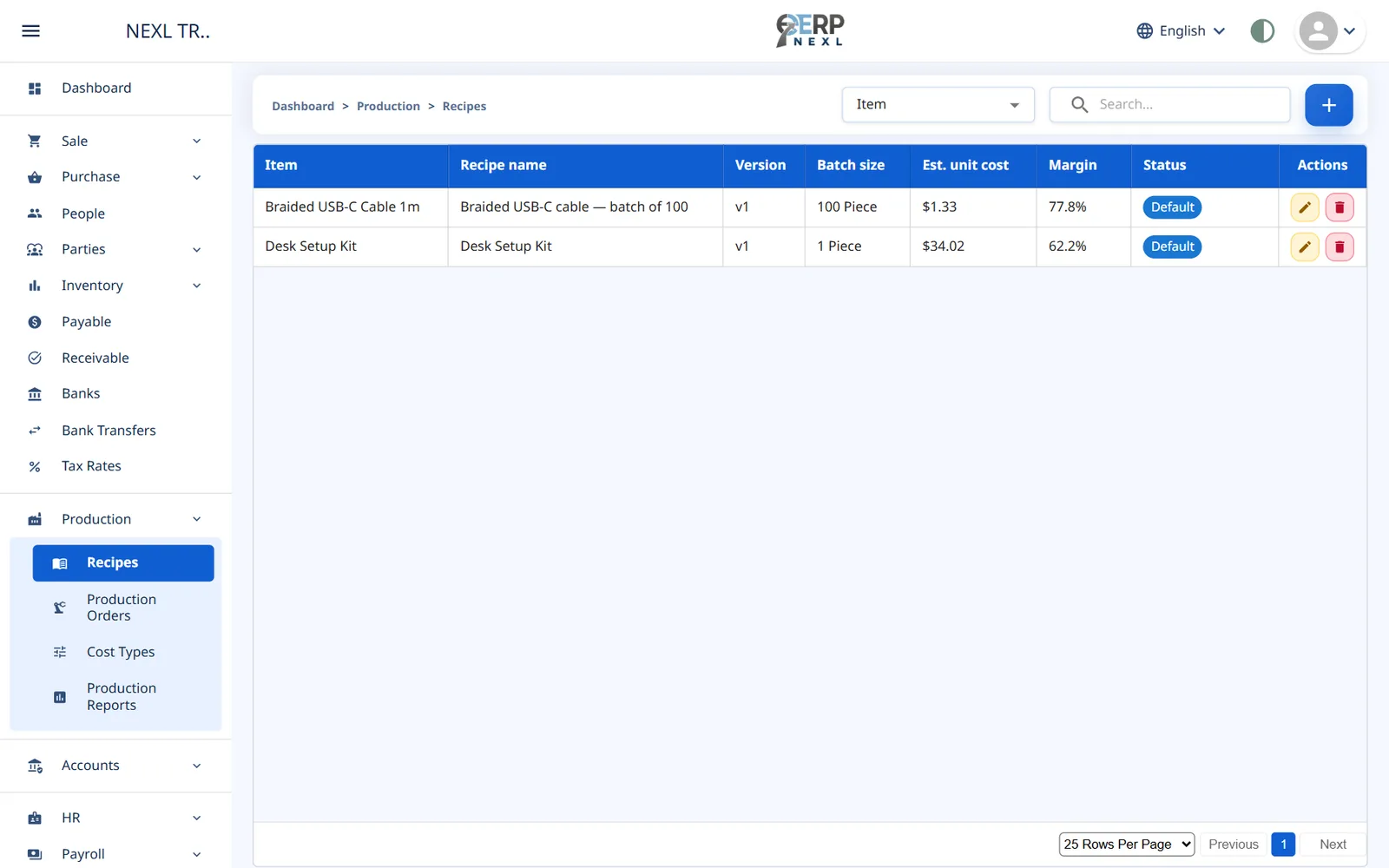
- Open Production → Recipes and click +. The New recipe window opens.
- Choose the Item the recipe makes, give it a Recipe name and enter the Batch size: how much one batch makes, in the item's unit.
- Leave Default on if new orders for this item should use this recipe. The first recipe of an item starts as its default.
- Under Materials per batch, choose each material and enter its Qty per batch. Enter the Wastage you expect in percent, for example 10 when about a tenth is lost to trimming or spillage. Click Add material for the next one.
- If the batch also makes something else, add it under Co-products and by-products (see below).
- Under Standard extra costs per batch, add costs such as labour or electricity: choose the Cost type and the amount Per batch.
- Optionally enter the Shelf life (days), used to work out expiry dates, and any Notes.
- Check the Estimated cost panel, then click Save.
Co-products and by-products
- Co-products are other items worth making in their own right, such as a second cut of meat. They share the batch cost with the main item: by the Share of cost (%) you enter, or By quantity if you leave it empty.
- By-products are leftovers you can still use or sell, such as bran or offcuts. They are credited At current cost (the item's cost today) or At a fixed value per unit, and that value is taken off the cost of the main item and co-products.
The estimated cost
As you type, the Estimated cost (today's item costs) panel prices one batch: materials (including wastage), extra costs, less by-products, and what each unit of the main item and co-products would cost. It uses each item's current cost, so the estimate follows your purchase prices.
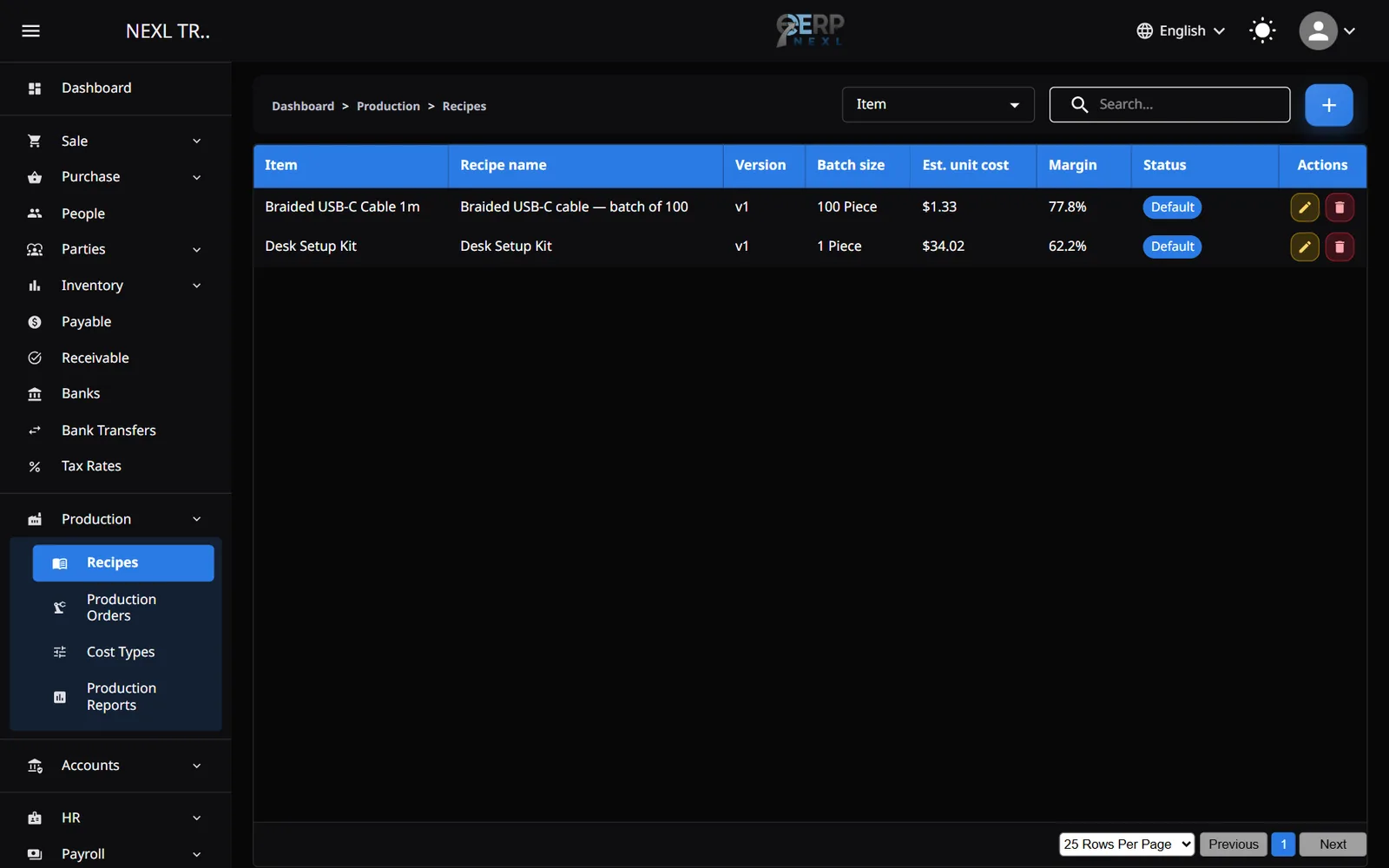
- The Recipes list shows each recipe's estimated unit cost and its Margin against the item's sale price.
- Enter a Markup % and click Set sale price to … to update the item's sale price from the estimate.
Extra cost types
Production → Cost Types lists the kinds of extra cost an order can carry. Every company starts with Labour, Electricity, Overhead and Job work. Add your own with +: a Name and the Account it credits when an order is completed (most companies leave the standard Production costs applied account).
Change, deactivate or delete a recipe
- Open a recipe from the list to change it. Each save makes a new version (shown as v2, v3 …).
- Deactivate hides a recipe from new orders but keeps it for the orders that used it. Activate brings it back.
- A recipe can be deleted only if no production order has used it; otherwise deactivate it.
- ERP Nexl refuses a recipe that would go round in a circle, such as a sauce whose recipe uses a dish that uses the sauce, and names the chain.
- Add a Picture to a saved recipe with Add picture (an image). It shows in the recipe window.
The cost of a made item
Items made by a recipe get their cost from production (and from purchases, if you also buy them). Their Purchase Price can't be typed on the Items page. To correct it, the owner opens the item's recipe and clicks Revalue: enter the New cost per unit, and the stock you hold is revalued at it.
Items used in an active recipe can't be deleted. Deactivate or delete the recipe first.
Need the whole guide offline? Can’t find an answer? Contact us.
Download PDF4.0 MB · 95 pages