Sales management software
Sales management software that follows every sale to the cash
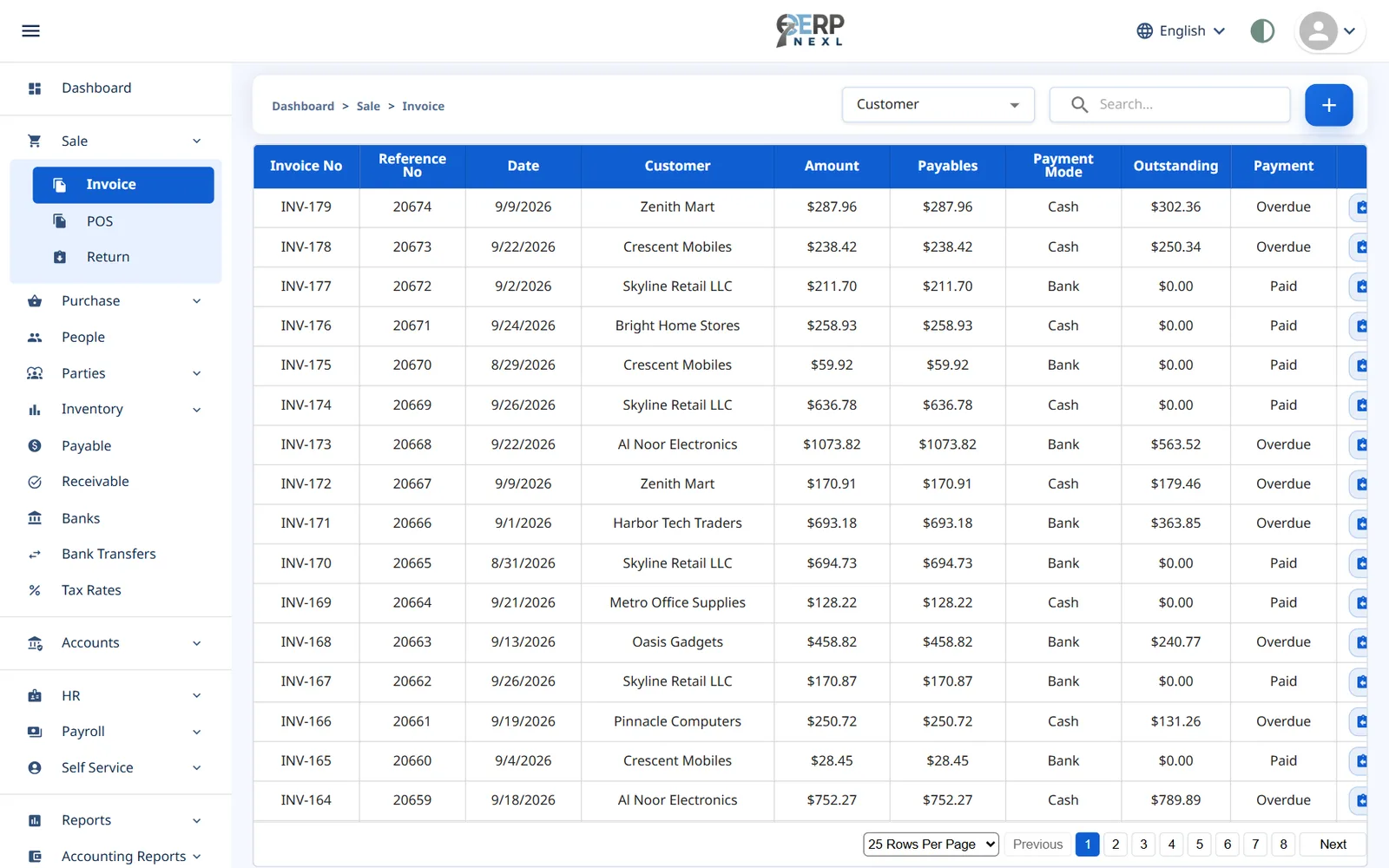
A sale isn't finished when the invoice is printed — it's finished when the money is in the bank. ERP Nexl tracks the whole journey: the invoice, any return, the customer's balance and the payment that settles it, with reports that show what's selling and who still owes you.
Key capabilities
Sales invoices & POS
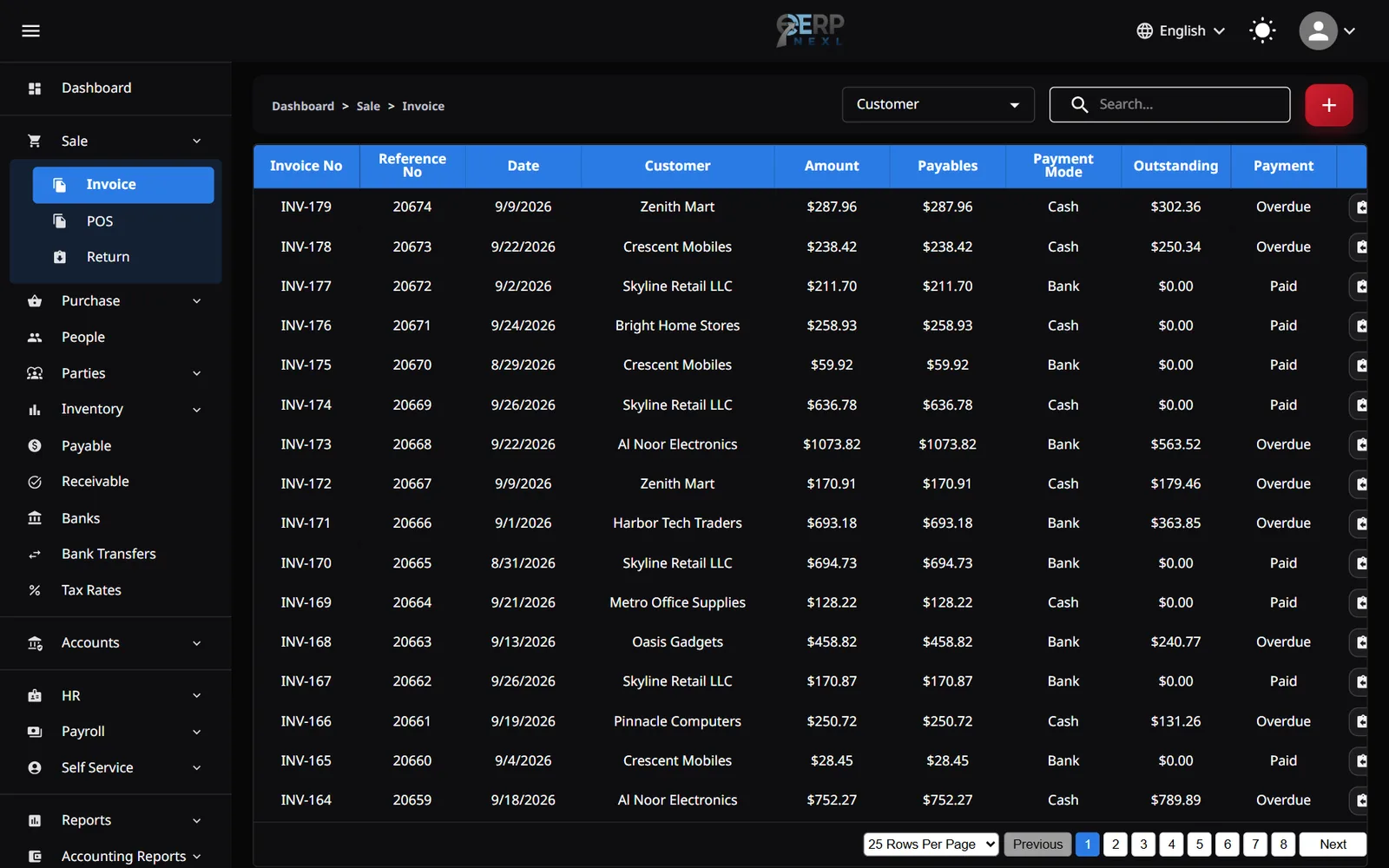
Invoice account customers in full, or ring up counter sales at the point of sale — both land in the same sales records.
Full or partial payment
Record what the customer paid on the invoice; anything still owed goes straight to their balance.
Receipts matched to invoices
Record money you receive and allocate it against specific open invoices — oldest first, or exactly as the customer says.
Sales returns
Take goods back against the original invoice; stock and the customer's balance adjust automatically.
Sales reports
See sales invoice by invoice or product by product for any date range, with totals, ready to print.
Roles & permissions
Decide who can create, edit or delete sales, so every change is made by someone allowed to make it.
What sales management software actually manages
For most small businesses, “sales management” isn't a CRM pipeline — it's the day-to-day of selling: raising invoices, taking returns, knowing each customer's balance and chasing the money that's overdue. When those live in a sales book, a stock sheet and a separate accounting file, the numbers drift apart and nobody is sure who owes what.
ERP Nexl keeps the whole sales cycle in one place. Every invoice reduces stock and increases the customer's balance; every return reverses it; every payment you receive brings the balance back down. Because it's one set of records, your sales report, your stock report and your customer ledger always agree.
That makes the questions that matter easy to answer: What did we sell this month? Which products are moving? Which invoices are still unpaid? And, with the accounting module's aged receivables report, which customers have owed you the longest?
Built for
- Wholesalers and distributors who sell on credit to regular customers
- Retailers who mix counter sales with account customers
- Owners who want to know who owes them money — today, not at month-end
- Teams where several people raise invoices and take payments
Frequently asked questions
What is sales management software?
Sales management software records and tracks your sales from invoice to payment — invoices, returns, customer balances, collections and sales reports — so you can see what you sold, what came back and what is still owed.
Can I sell both on credit and for cash?
Yes. On a sales invoice you record how much the customer paid — all, some or nothing — and the rest goes to their balance. Counter sales go through the point of sale. Both update the same stock and sales records.
How do I see which customers owe me money?
Each customer has a running balance and a printable ledger. With the accounting module, the aged receivables report also shows how long each balance has been outstanding.
Can I match a payment to specific invoices?
Yes. When you record a customer receipt, ERP Nexl lists their open invoices so you can allocate the money to the right ones; anything left over stays on their account.
What happens to stock when a customer returns goods?
Posting a sales return puts the goods back into stock and reduces the customer's balance automatically.
What sales reports are included?
Sales reports show every invoice, or every product sold, for the date range you choose, with totals — and can be printed with your company details. The dashboard adds today's and this month's sales and your top-selling products.
Related reading
How to Choose Inventory Management Software: A Practical Checklist
How to choose inventory management software: the main types, must-have features, questions to ask, mistakes to avoid and how to move off spreadsheets.
Cloud Accounting vs Spreadsheets: When Should a Small Business Switch?
Spreadsheets work for bookkeeping until they don't. Where they break, how double-entry accounting software helps, and how to switch cleanly.
Explore more modules
Invoicing & Billing
Create a clean, professional invoice in seconds — with the right prices, discounts and taxes — and let ERP Nexl do the rest: stock goes down, the customer's balance goes up and, with accounting switched on, the entry lands in your ledger.
Point of Sale (POS)
Ring up sales quickly at the counter, print a receipt and move on to the next customer.
Inventory Management
Know exactly what you have, what's selling and what to reorder.
Try ERP Nexl free
Set up your company in minutes and pay only for the modules you need.