ERP for small business
ERP software for small businesses, without the enterprise complexity
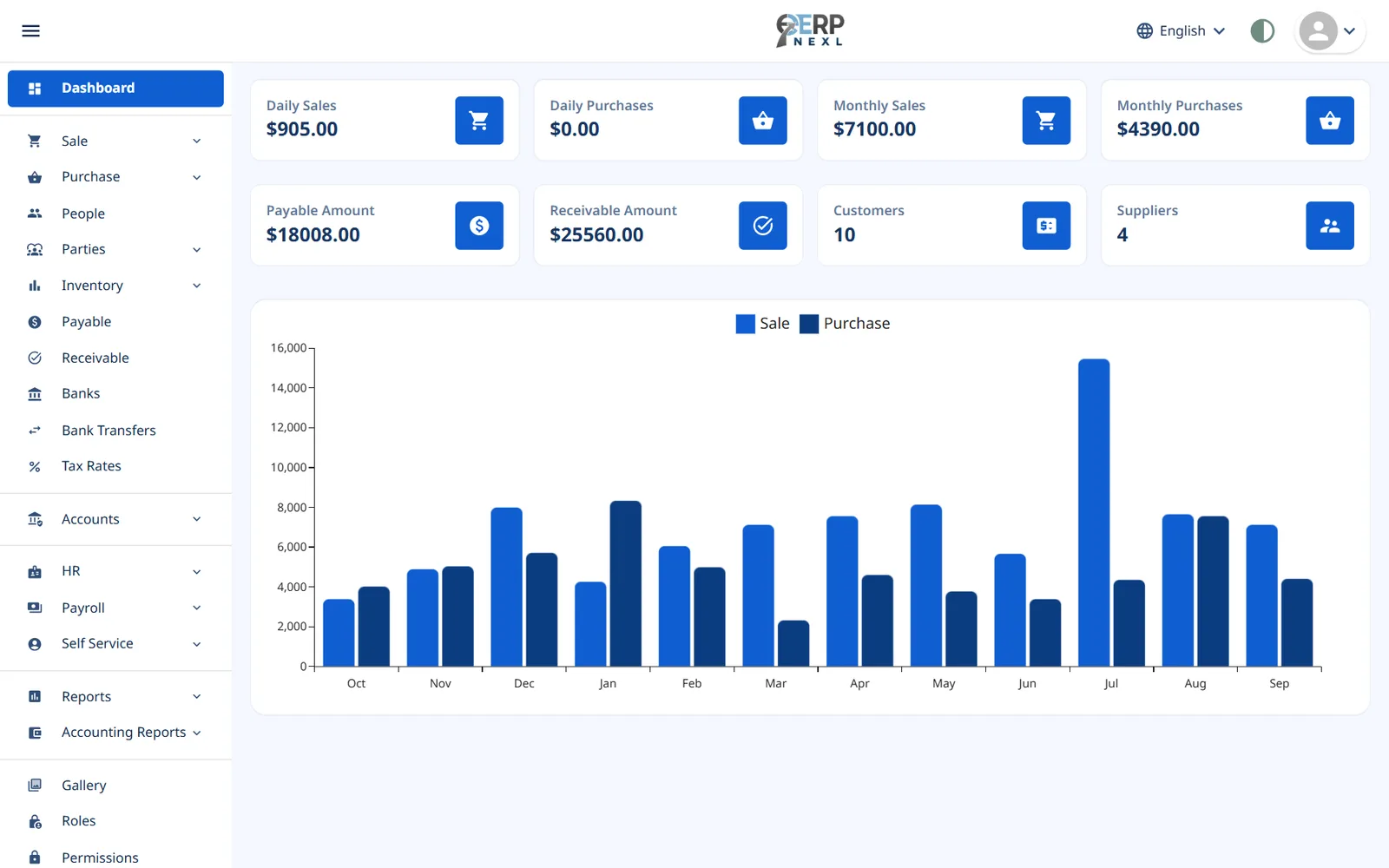
ERP Nexl brings your stock, sales, purchases, accounts, payroll and production into one cloud system — so every sale, bill and payment updates everything it touches. No servers, no implementation project, and you only pay for the modules you actually use.
Key capabilities
Inventory management
Live stock levels, categories, packing and barcodes, updated by every purchase, sale and return.
Point of sale
A fast counter checkout with barcode scanning, held sales, automatic tax and thermal receipts.
Sales & purchasing
Sales and supplier invoices, returns, receipts and payments, with customer and supplier balances that stay right.
Production
Recipes, production orders with batches and expiry dates, and the real cost of everything you make.
Accounting
Double-entry ledger, bank reconciliation, cost centres, tax reports and financial statements.
HR & payroll
Attendance, shifts, leave, salary structures, payroll runs, payslips and employee self-service.
What is an ERP — and does a small business need one?
ERP stands for enterprise resource planning: one system that records everything a business does — buying, selling, stocking, paying people and keeping the books — in a single shared database. The point isn't the acronym; it's that you enter each transaction once and every part of the business sees the same numbers.
Small businesses usually get there the hard way. They start with a till, a stock spreadsheet and an accountant's file, and it works until it doesn't: stock counts stop matching sales, customer balances disagree with the ledger, and month-end becomes a week of reconciling. Those are the signs you've outgrown separate tools.
Traditional ERPs were built for large companies — long implementations, consultants and per-user licences. ERP Nexl is built the other way round: you sign up, create your company and start recording sales the same day, in your browser. Start with what you need — inventory, sales and purchases for a trading business, production for a workshop — then add accounting or HR & payroll when you're ready, and invite as many team members as you need, each with their own role and permissions.
Signs you're ready for an ERP
- Stock counts no longer match what you've sold
- The same sale is typed into two or three different tools
- You can't see who owes you money without asking someone
- Month-end closing takes days of reconciling spreadsheets
- Payroll is rebuilt by hand from attendance and leave sheets
Frequently asked questions
What is ERP software for small businesses?
Small business ERP software is a single system that connects inventory, sales, purchasing, production, accounting and HR, sized and priced for smaller teams. You record each transaction once and it updates stock, balances and the books automatically.
Is ERP only for large companies?
No. Cloud ERPs like ERP Nexl remove the servers, consultants and long projects that used to make ERP a big-company tool. If you buy and sell products, keep accounts and employ staff, an ERP saves you from reconciling separate tools.
How is ERP Nexl priced?
You choose the modules you need — Sale & Purchase covers inventory, sales and purchases, Production covers recipes, production orders and costing, and you can add Accounting and HR & Payroll. Plans include unlimited team members, and longer billing terms cost less per month. See the pricing page for current prices.
How long does it take to get started?
Minutes. Sign up, create your company and start adding items, customers and suppliers straight away — there is nothing to install.
Can I start with a few modules and add more later?
Yes. Start with inventory, sales and purchases, or with production, then add accounting, HR & payroll or the other modules whenever you need them.
Is ERP Nexl available in Arabic?
Yes. The ERP Nexl workspace is available in English, Arabic and Urdu, with a right-to-left layout for Arabic and Urdu, so your team can work in the language they prefer.
Is my data safe in a cloud ERP?
Your data is stored on our servers rather than a single office computer, and it is backed up automatically. Access is controlled with user roles and permissions, so each team member only sees what they need.
Related reading
ERP vs Accounting Software: Key Differences and Which You Need
What's the difference between ERP and accounting software? A side-by-side table, a worked example, signs you've outgrown accounting and how to switch.
How to Choose Inventory Management Software: A Practical Checklist
How to choose inventory management software: the main types, must-have features, questions to ask, mistakes to avoid and how to move off spreadsheets.
Cloud Accounting vs Spreadsheets: When Should a Small Business Switch?
Spreadsheets work for bookkeeping until they don't. Where they break, how double-entry accounting software helps, and how to switch cleanly.
How to Run Payroll Accurately: A Practical Guide for Small Businesses
Most payroll errors come from bad inputs, not bad maths. A repeatable monthly payroll process, worked examples, and how employee self-service helps.
Explore more modules
Inventory Management
Know exactly what you have, what's selling and what to reorder.
Point of Sale (POS)
Ring up sales quickly at the counter, print a receipt and move on to the next customer.
Sales Management
A sale isn't finished when the invoice is printed — it's finished when the money is in the bank.
Invoicing & Billing
Create a clean, professional invoice in seconds — with the right prices, discounts and taxes — and let ERP Nexl do the rest: stock goes down, the customer's balance goes up and, with accounting switched on, the entry lands in your ledger.
Purchase Management
Record what you buy once and let it flow everywhere it needs to go.
Accounting & Finance
Keep proper books without the spreadsheet gymnastics.
HR & Payroll
Run payroll from the same system that tracks attendance, shifts and leave — so salaries are calculated from real data, not re-typed numbers.
Production
ERP Nexl's Production module records what goes into each product, plans and tracks every batch you make, and works out what it really cost — materials, wastage, labour and by-products included.
Try ERP Nexl free
Set up your company in minutes and pay only for the modules you need.