Inventory management software
Inventory management software that stays in sync with your sales
Know exactly what you have, what's selling and what to reorder. ERP Nexl updates your stock automatically with every purchase, sale and return, so your inventory numbers are always right — without spreadsheets.
Key capabilities
Real-time stock levels
Stock moves automatically when you post a purchase invoice, sale, return, stock adjustment or production order, so on-hand quantities are always current.
Categories & packing
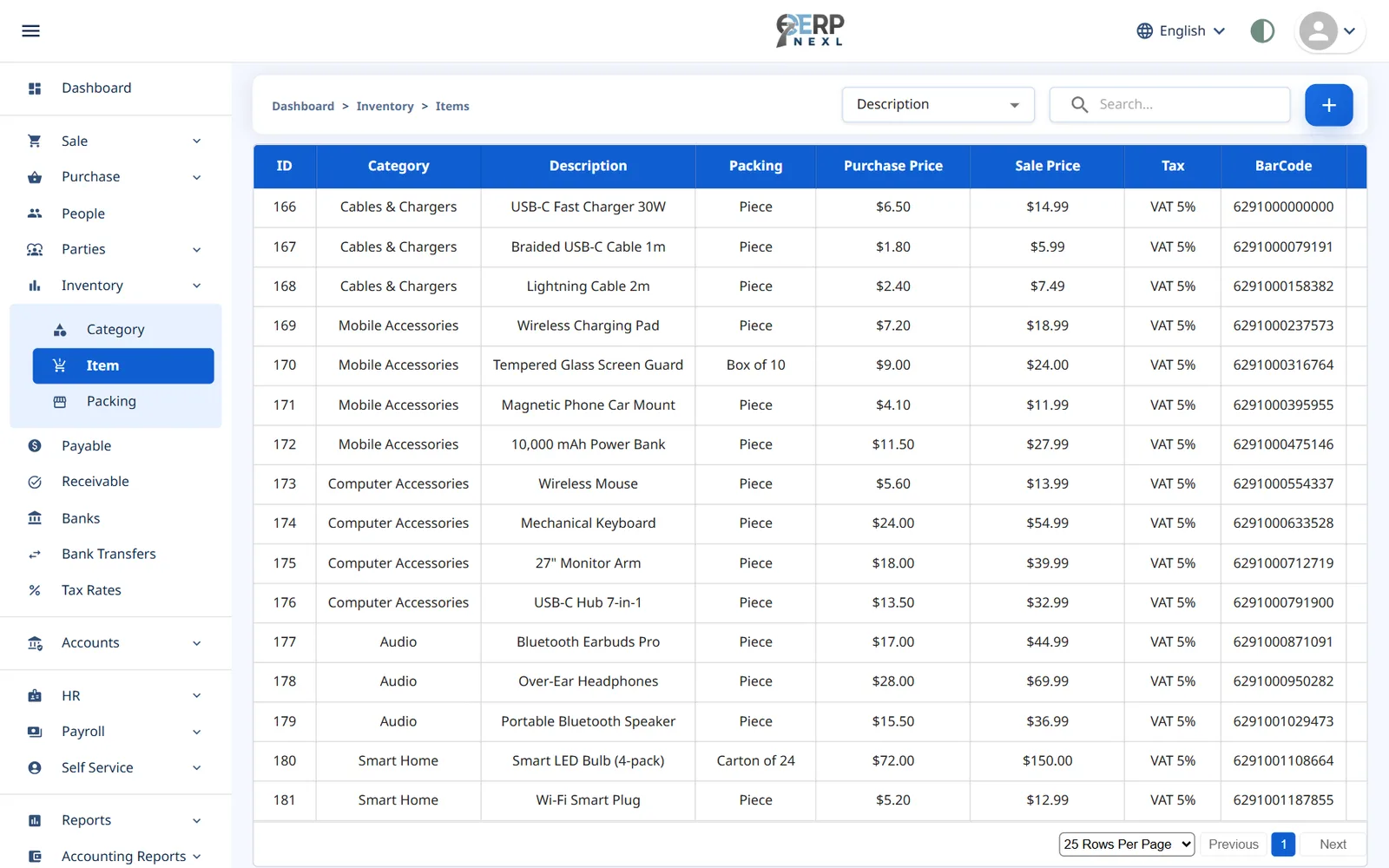
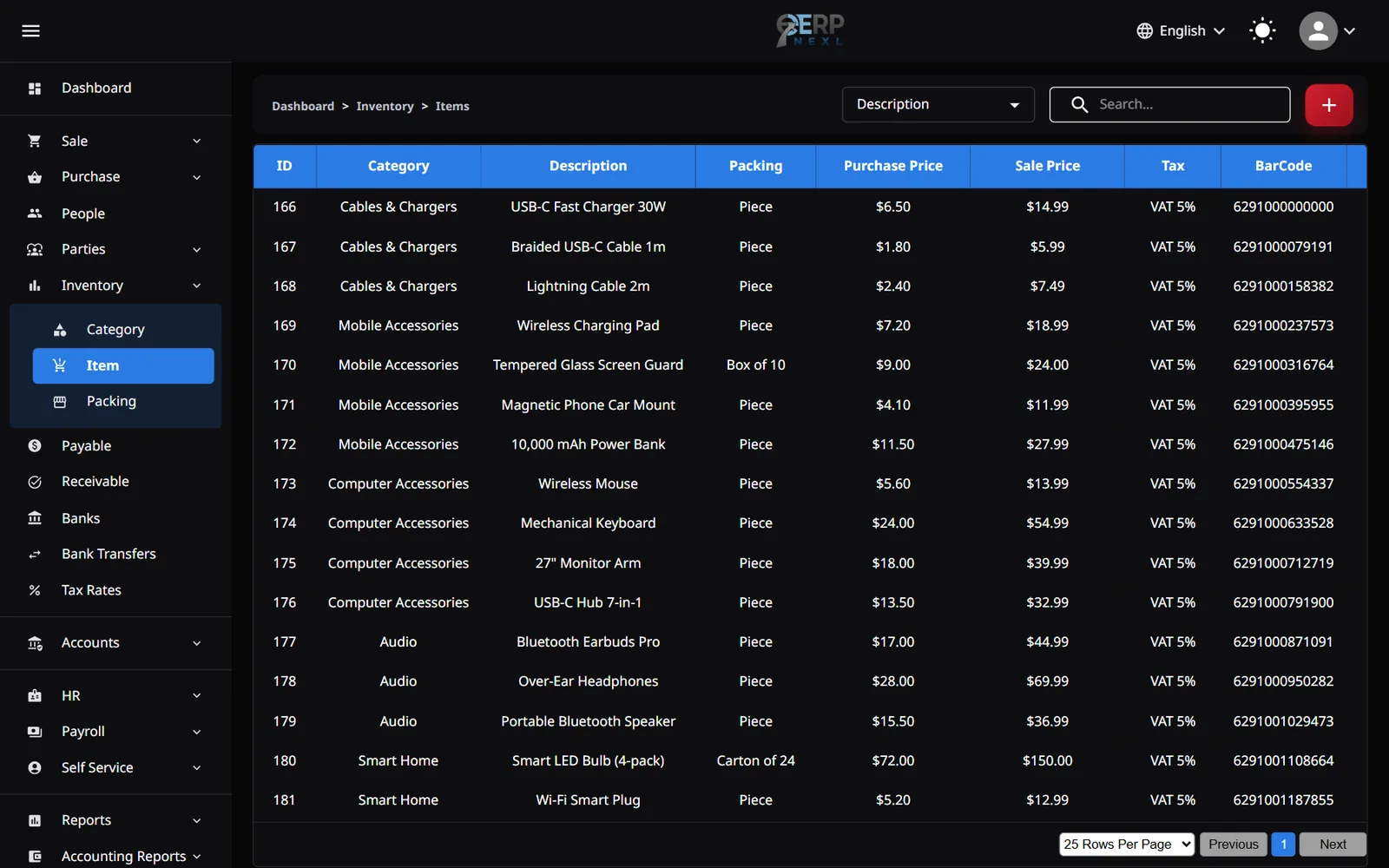
Organise items into categories and record the packing each one comes in — carton, box, piece or your own.
Barcode checkout
Give items barcodes and scan them at the point of sale instead of scrolling through long product lists.
Out-of-stock protection
Invoices won't let you sell an item you don't have in stock, so on-hand quantities never go negative by mistake.
Stock & sales reports
See stock positions and sales by invoice or by product for any date range, and print any report.
Stock adjustments
Correct stock after a shelf count, or for damaged, expired or lost goods, with the reason recorded and the value posted to your accounts.
Why cloud inventory management beats spreadsheets
Spreadsheets break the moment more than one person touches stock. Someone sells the last unit while someone else is updating a different copy of the file, and by the end of the week nobody trusts the numbers. Inventory management software fixes this by making stock a by-product of the transactions you already record: when an invoice is posted, the quantity changes. There is no second step to forget.
Because ERP Nexl runs in the cloud, your whole team works from the same live data — whether they're at the counter, in the back office or on the road. Inventory is also connected to purchasing, sales and your ledgers, so a stock movement, the invoice behind it and the customer or supplier balance all stay consistent.
The result is fewer stock-outs, less dead stock tied up on shelves, and a clear view of which products actually make you money.
Built for
- Retailers and wholesalers who buy and sell physical products every day
- Shops that want barcode scanning at the counter
- Growing teams that have outgrown spreadsheets and paper stock books
- Owners who want to see stock value and fast movers at a glance
Frequently asked questions
What is inventory management software?
Inventory management software tracks the products you hold — quantities, categories, units and value — and updates them automatically as you buy and sell. It replaces manual stock counts in spreadsheets with a single, always-current record.
Does stock update automatically when I make a sale?
Yes. Posting a sale, purchase or return in ERP Nexl adjusts on-hand stock straight away, so you never have to update inventory separately from your invoices.
Can I stop staff from selling items that are out of stock?
Yes. Sales invoices check available stock and won't let you sell more than you have on hand.
Does ERP Nexl support barcodes?
Yes. You can assign barcodes to items and scan them at the point of sale with a standard USB barcode scanner.
Can I print my inventory reports?
Yes. Stock and sales reports can be filtered by date and printed with your company details for sharing with partners or your accountant.
Related reading
How to Choose Inventory Management Software: A Practical Checklist
How to choose inventory management software: the main types, must-have features, questions to ask, mistakes to avoid and how to move off spreadsheets.
ERP vs Accounting Software: Key Differences and Which You Need
What's the difference between ERP and accounting software? A side-by-side table, a worked example, signs you've outgrown accounting and how to switch.
Explore more modules
Inventory Software in Pakistan
Track every item you buy and sell in one place.
Purchase Management
Record what you buy once and let it flow everywhere it needs to go.
Production
ERP Nexl's Production module records what goes into each product, plans and tracks every batch you make, and works out what it really cost — materials, wastage, labour and by-products included.
Try ERP Nexl free
Set up your company in minutes and pay only for the modules you need.