Invoicing & billing software
Invoicing software that keeps your stock and your books in step
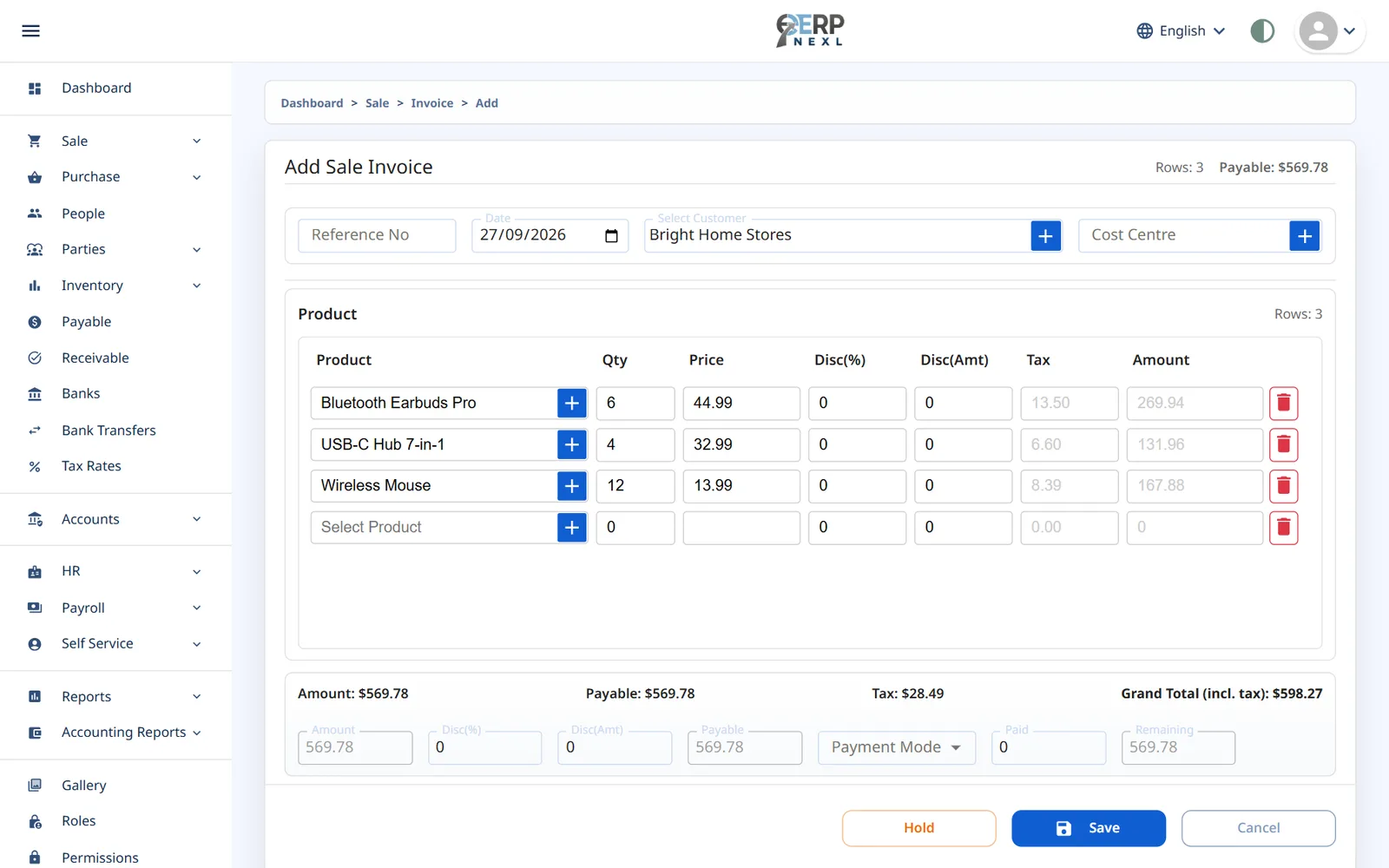
Create a clean, professional invoice in seconds — with the right prices, discounts and taxes — and let ERP Nexl do the rest: stock goes down, the customer's balance goes up and, with accounting switched on, the entry lands in your ledger.
Key capabilities
Fast, accurate invoices
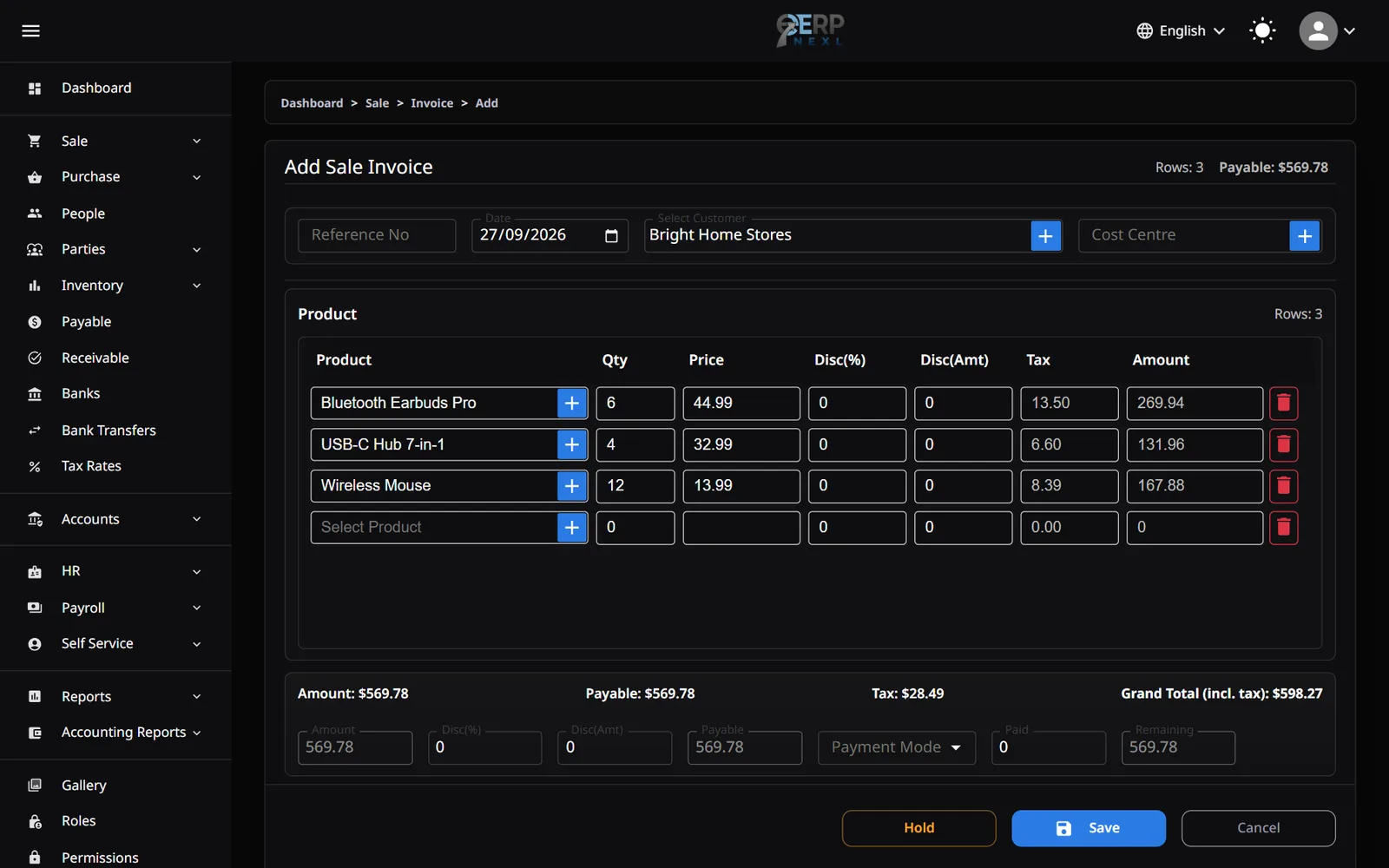
Pick the customer, search for items and ERP Nexl fills in prices, tax and totals for you.
Discounts & taxes
Discount a line or the whole invoice by percentage or amount, with tax rates that are inclusive or exclusive of price.
Automatic numbering
Invoices are numbered in sequence with your own prefix, plus an optional reference number for your records.
Print-ready invoices
Print a full-page invoice with your logo and company details straight from the sale.
Partial payments
Record what's paid on the invoice; the rest goes to the customer's balance and later receipts can be matched against it.
Customer ledgers
Every invoice and payment appears on the customer's ledger, so a printable statement is always one click away.
Why stand-alone invoicing tools stop being enough
A simple invoice generator is fine while you sell a handful of services. The moment you sell products, every invoice also needs to change your stock — and every payment needs to change what the customer owes. If your invoicing tool doesn't know about either, someone has to update them by hand.
ERP Nexl's billing is part of the same system as inventory, customers and accounting. The invoice is the single source of truth: it moves stock, updates the customer's balance and, when you use the accounting module, posts to your double-entry ledger. Corrections go through sales returns — and, with the accounting module, credit and debit notes — so your history stays intact and auditable.
You get the speed of a simple invoicing app with the records of a full ERP — and you never re-type the same sale twice.
Built for
- Businesses that sell products and need invoices to update stock
- Wholesalers who sell on credit and collect payments over time
- Teams that want consistent discounts and tax on every invoice
- Owners who need customer statements without spreadsheets
Frequently asked questions
What is invoicing software?
Invoicing (or billing) software creates and records the invoices you send customers — items, prices, discounts and taxes — and keeps track of what each customer owes.
Does creating an invoice update my stock?
Yes. Posting a sales invoice in ERP Nexl reduces stock for the items sold, and a sales return adds them back.
Can I add taxes and discounts to invoices?
Yes. Set up the tax rates you charge — inclusive or exclusive of price — and apply discounts to individual lines or to the whole invoice, by percentage or amount.
Can a customer pay only part of an invoice?
Yes. Record the amount paid on the invoice and the rest is added to the customer's balance. When they pay later, you can match that receipt to the open invoice.
How do I correct an invoice after it's been issued?
You can edit a saved invoice as long as nothing has been returned against it. After that, use a sales return — or, with the accounting module, a credit or debit note — so the original stays in your records.
Can I print invoices?
Yes. Print a full-page invoice with your company details and logo. Counter sales at the point of sale print on 80 mm thermal receipts.
Related reading
Explore more modules
Try ERP Nexl free
Set up your company in minutes and pay only for the modules you need.