Payroll software in Pakistan
Payroll software in Pakistan: attendance, salaries and payslips in one place
Record attendance and leave, set each employee's salary structure and run payroll in rupees, with payslips your staff can see for themselves. Add your own deductions, such as EOBI or provident fund, as a fixed amount or a percentage of basic pay.
Key capabilities
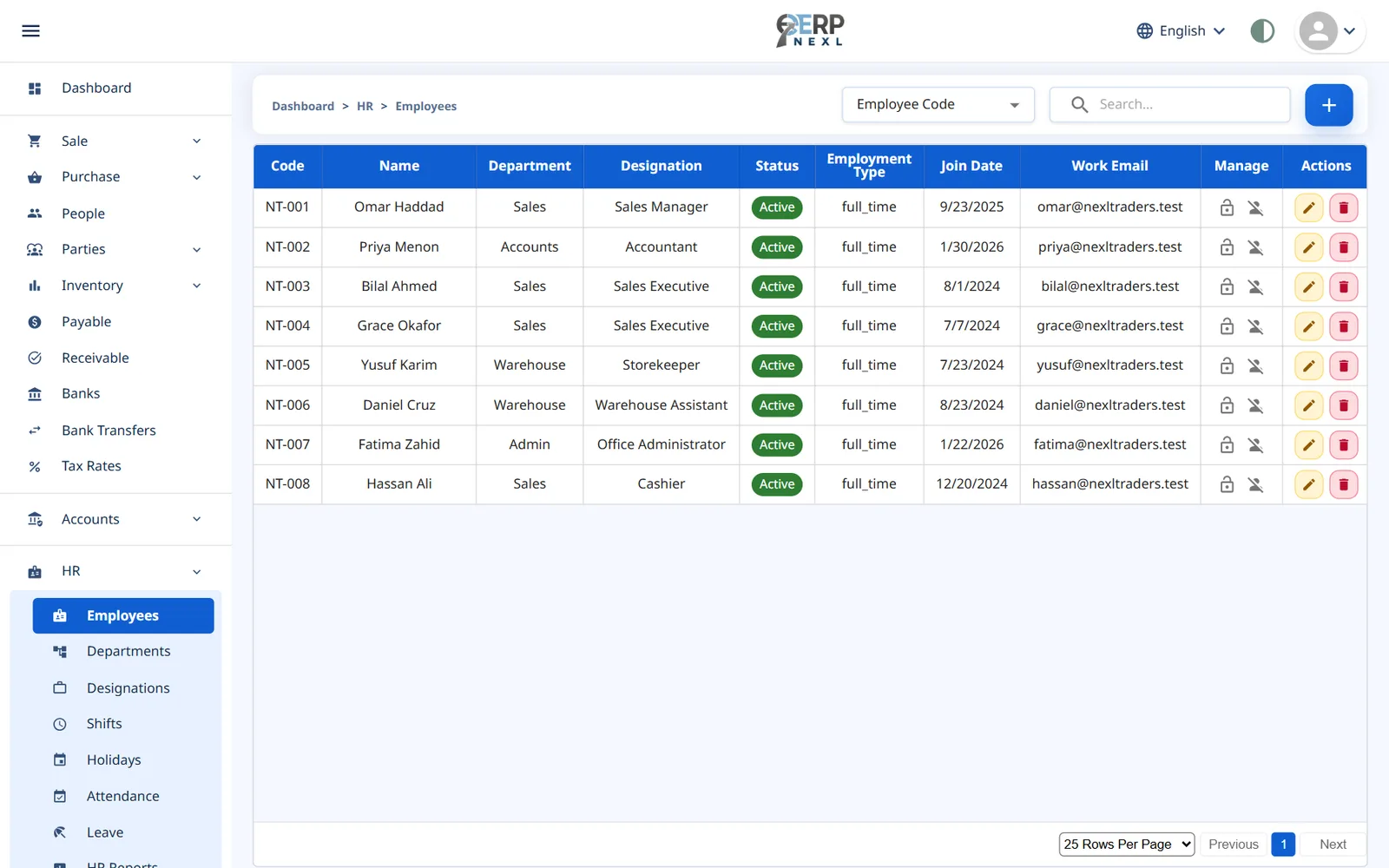
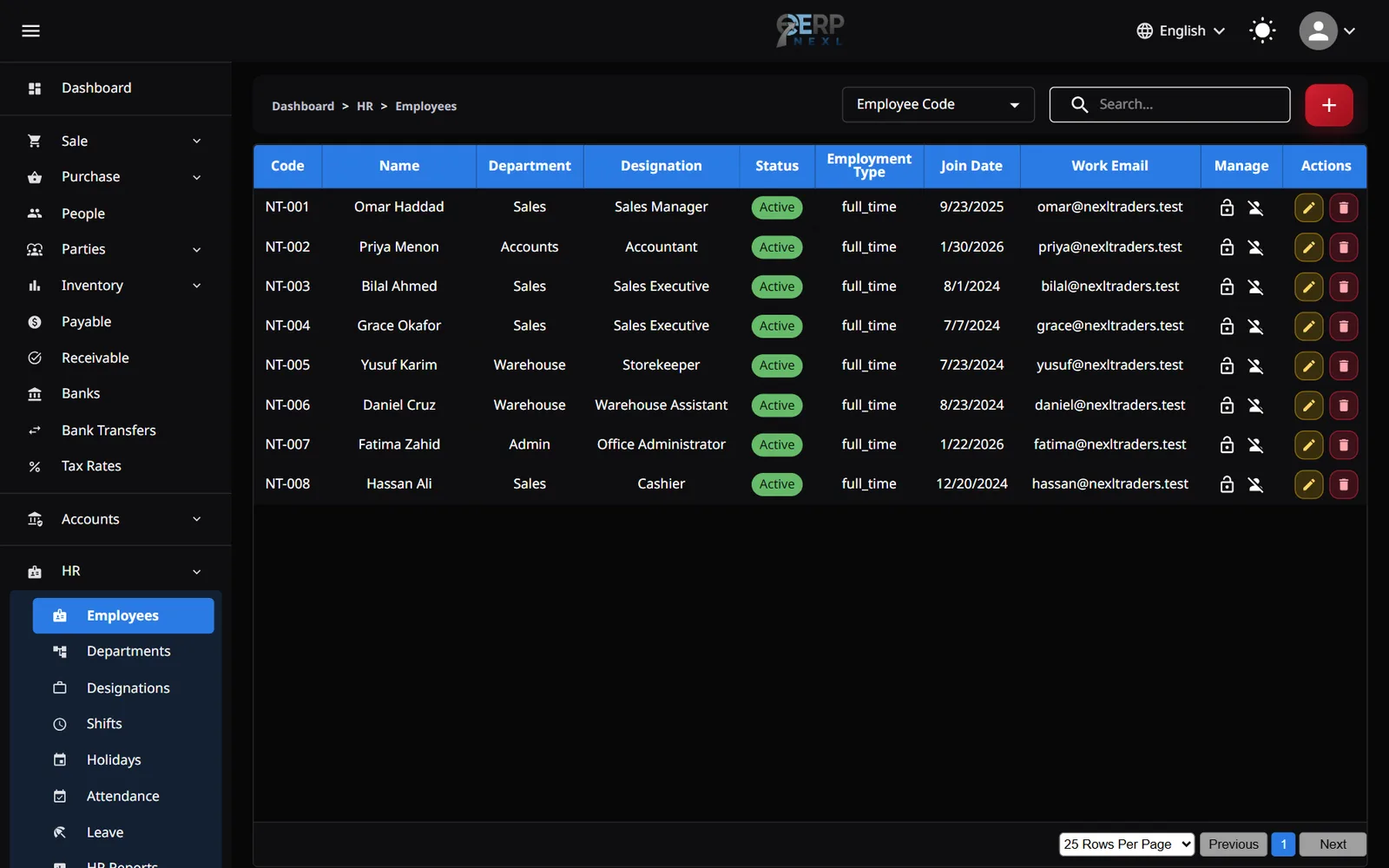
Employee records
Departments, designations, join dates and personal details for every employee in one place.
Attendance, shifts & leave
Record attendance and leave against shifts and holidays, ready for the payroll run.
Salary structures
Build salaries from earnings and deductions, each a fixed amount or a percentage of basic pay.
Payroll runs & payslips
Run payroll for the month and produce a payslip for every employee.
Advances & expense claims
Record salary advances and expense claims against each employee and settle them through payroll.
Employee self-service
Staff can see their own payslips, attendance and leave balances.
Made for employers in Pakistan
Salaries in rupees
New companies start in rupees, so salaries and payslips show Rs from day one.
Your own deductions
Add deductions such as EOBI or provident fund as a fixed amount or a percentage of basic pay.
Advances handled
Salary advances are recorded against the employee and recovered through payroll, not tracked on paper.
Urdu for your team
The workspace, including employee self-service, is available in Urdu with a right-to-left layout.
Payroll without the Excel sheet
For many small employers in Pakistan, payroll means an attendance register, a spreadsheet of salaries and a notebook of advances, brought together by hand every month. Every step is a chance for a mistake: a missed leave day, an advance that isn't deducted, a formula copied into the wrong row.
ERP Nexl keeps those pieces in one system. Attendance and leave are recorded against each employee, salary structures define their earnings and deductions, and advances are logged as they're given. When you run payroll, it uses all of that directly and produces payslips your staff can view themselves.
Be clear about one thing: ERP Nexl doesn't calculate income tax from FBR's tax slabs, and it doesn't work out employer contributions. You add income tax and statutory deductions as fixed amounts or percentages you set yourself, with your tax adviser if you have one.
Built for
- Shops, traders and small companies with salaried staff
- Employers who give salary advances and need them recovered correctly
- Businesses moving payroll off spreadsheets and registers
- Owners who want staff to see their own payslips
Frequently asked questions
Does it calculate income tax using FBR's tax slabs?
No. ERP Nexl doesn't apply tax slabs automatically. You add income tax as a deduction on the salary structure, with an amount you work out yourself or with your tax adviser.
Can I deduct EOBI or provident fund?
Yes, as deductions you set up yourself: a fixed amount or a percentage of basic pay. ERP Nexl doesn't calculate employer contributions.
Can employees see their own payslips?
Yes. With employee self-service, staff can see their own payslips, attendance and leave balances.
Do I need the accounting module to run payroll?
No. Payroll works on its own. If you also use accounting, payroll posts to your ledger automatically.
Is it available in Urdu?
Yes. ERP Nexl is available in Urdu with a right-to-left layout, as well as English and Arabic.
Related reading
Explore more
HR & Payroll
Run payroll from the same system that tracks attendance, shifts and leave — so salaries are calculated from real data, not re-typed numbers.
Accounting Software in Pakistan
Keep proper double-entry books in rupees without typing every sale twice.
POS Software in Pakistan
Ring up counter sales with a barcode scanner, print an 80 mm receipt in rupees and let every sale update your stock.
Try ERP Nexl free
Set up your company in minutes and pay only for the modules you need.